


In this tab, you can display the general additional fields for all orders and those configured for a specific service.
1. In the Detail View of the created work order, select the Additional Fields where you can analyze and assess the registered alerts and determine whether to continue with the process of generating the order or not.
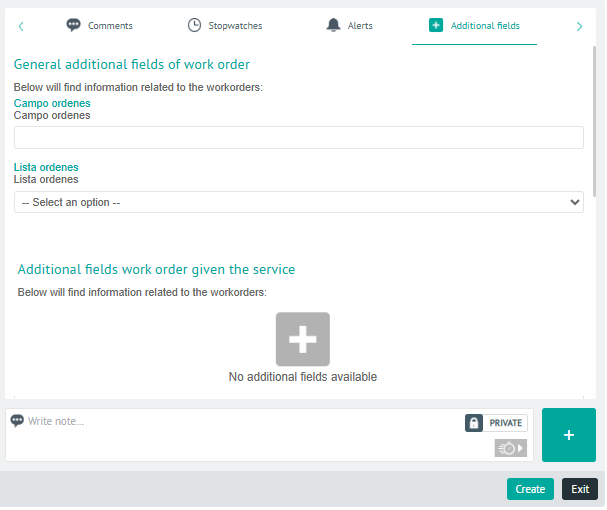
⚐ Note: The general additional fields apply to work orders created in AFLS during the Configuring Additional Fields
⚐ Note: Additional fields of a work order according to the service can be viewed by the monitor or specialist according to the Permissions configured in the service model and taking into account the status of the work order.
2. In the detail view of additional fields, you will have enabled the field for add Private or Public Notes.