


1. In the Detail View of the created work order, select the Signature where you can compare the customer’s registered signature (from the settings) with the signature made by the customer at the time of taking the service (from the mobile phone):
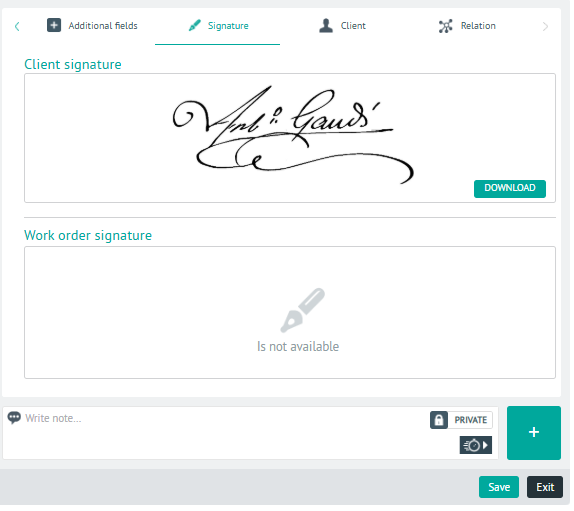
⚐ Note: The client’s signature is defined during the AFLS Client Configuration.
2 In the signature detail view, you will have the field for add Private or Public Notes.