


1. In the Detail View of a New Work Order, select the Customer and click the New Customer where you can enter basic customer data such as name, telephone, email, address and address detail.
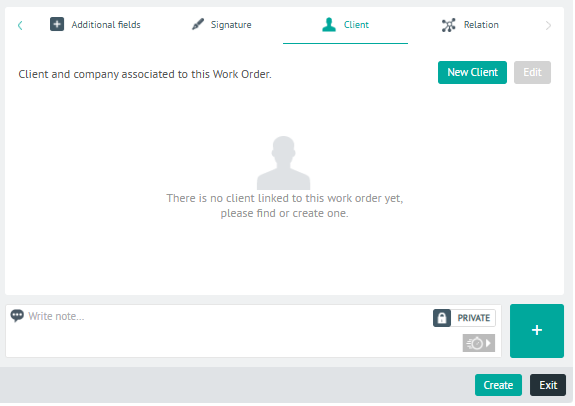
⚐ Note: Available clients in this instance are defined during AFLS Client Settings
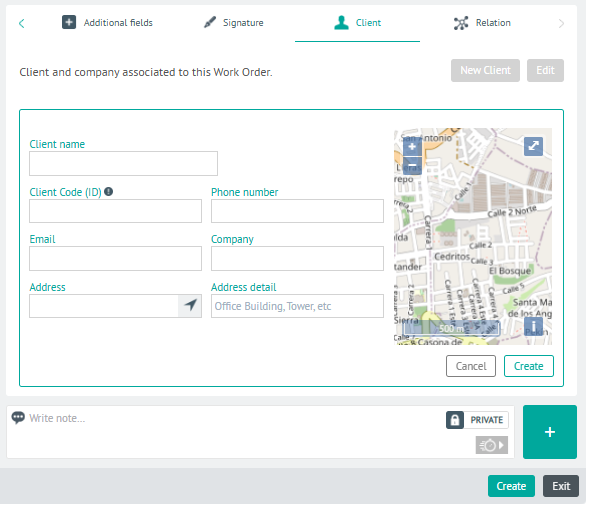
Edit Client
2. After uploading the customer information during order creation, in the order detail view, select the Customer and the Edit where you can modify basic customer data such as name, telephone, email, address and address detail.
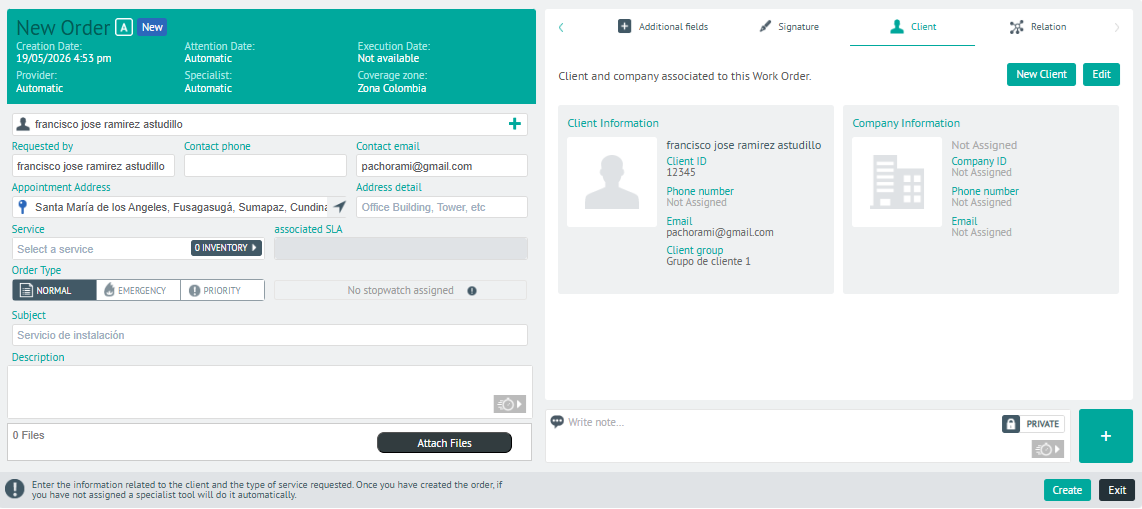
If you view an order that has already been created, the customer information will not have the Edit option enabled.
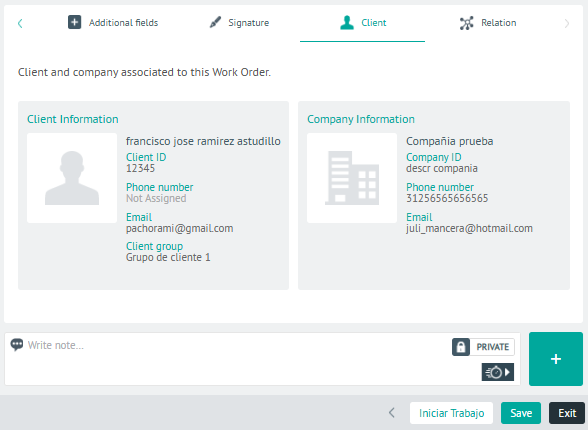
3. In the customer detail view, you will have the field for add Private or Public Notes.