


1. To change the password, with the role of Administrator, Dispatcher, Monitor or Inventory Manager enter the AFLS web console and select the option Profile from the header menu.
2. From the main menu select the Safety and in the detail view you can fill in information such as current password, New password and Confirm new password.
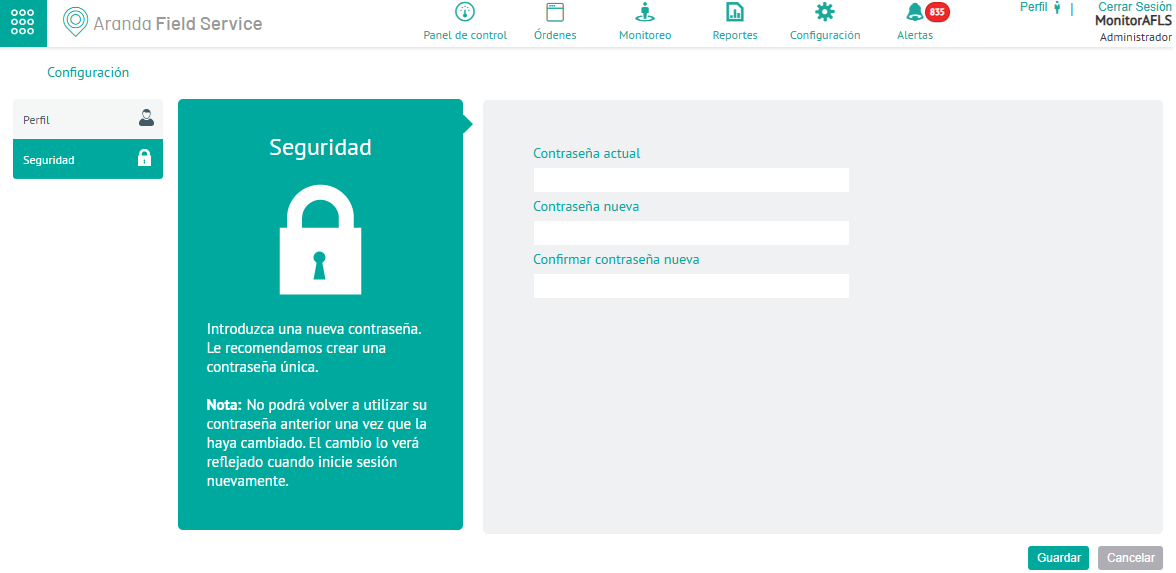
3. When completing the profile, click Save