


CASE CHG-92608-19-302127:
Inactivity logout control
With this update, ASMS incorporates an inactivity session management mechanism in the specialist console, aimed at improving access control and strengthening operational security.
The functionality handles session expiration using two distinct behaviors:
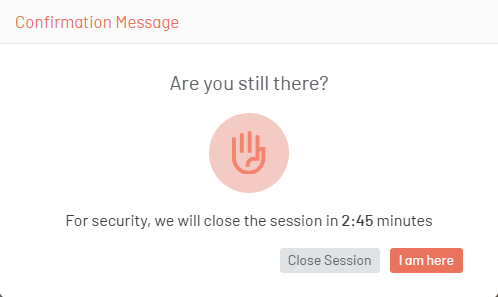
Preventive inactivity modal:
Before the configured session time is up, the system displays a preventive notification to the specialist, allowing them to perform one of the following actions:
- Confirm permanence in the session, indicating activity.
- Log out manually.
When the user confirms their activity, the session counter resets according to the configured expiration time.
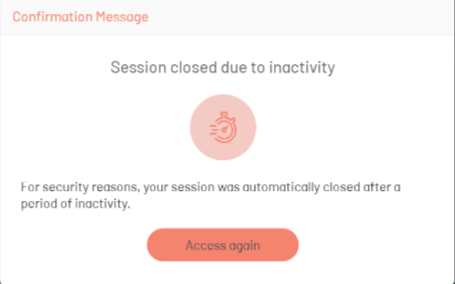
Definitive closing modal:
If the specialist does not take any action within the available time and the configured inactivity limit is reached, the system presents a logout message. From this point, the user will need to authenticate again to access the platform.
Functional considerations
- The preventive alert is displayed with 3 minutes to go before the session expires.
- Activity confirmation resets the configured session time.
- The absence of user interaction results in automatic session closure.
- Subsequent login to the platform requires re-authentication.
Objective of the improvement
- Strengthen control over inactive sessions.
- Reduce exposure associated with unsupervised open sessions.
- Incorporate a warning prior to automatic closing.
- Align session management with security and access control best practices.